
- Open KeePass and open File on the top left
- Under File select Export

- Under Format select KeePass KDBX (2x)
- Open your file explorer
- Locate your PrivateMail File Sync folder and Save your KeePass backup

- Your file will then sync and be available under your Personal Private-Mail Files
If Private-Mail file sync is not set up on your device, as an alternative you can manually upload your KeePass backup to your Private-Mail files. To upload your KeePass backup manually:
- Open KeePass and open File on the top left
- Under File select Export
- Under Format select KeePass KDBX (2x)
- Open your file explorer
- Select your preferred folder to save your backup in and Save

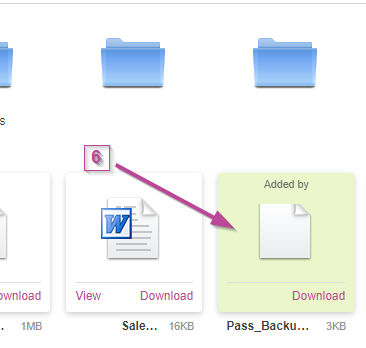
- Open the Private-Mail files on the app or browser then select Upload Files. Next, locate your backup and Open.

- Your KeePass backup will now be available on your Private-Mail Files